
As a thank you for playing our CTF, we’re giving out participation certificates! Each one comes with a custom flag, but I bet you can’t get the flag belonging to Eth007!
https://eth007.me/cert/
attachments: N/A
Loading up this webpage, we are greeted with what looks like some sort of certificate generator.
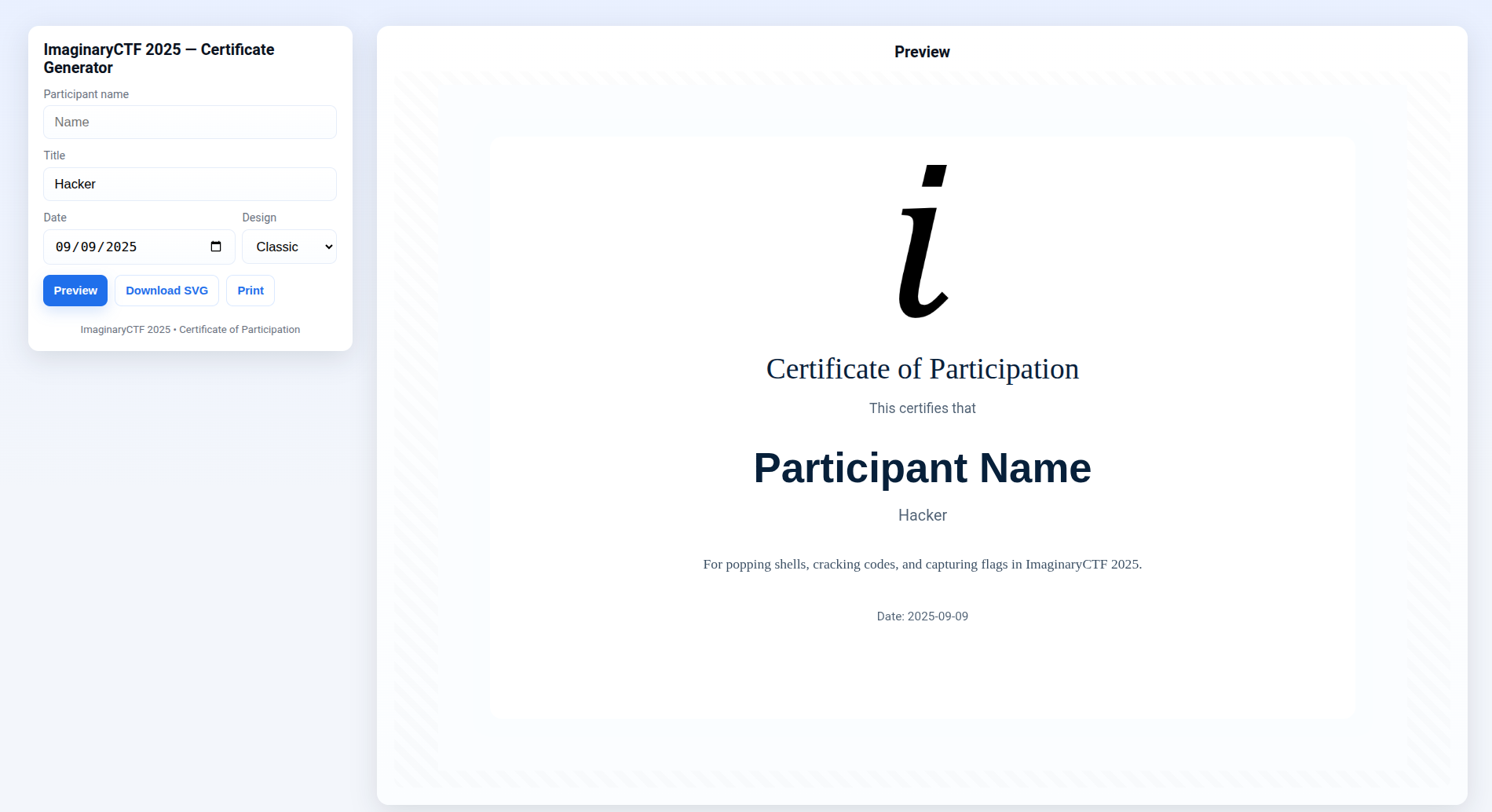
By inputing a name and generating a preview of the certificate, we are able to change what the certificate looks like on screen. What is more interesting is that there seems to be a flag embed into the certificate’s html code that is dynamically generated based on what the participant’s name is.
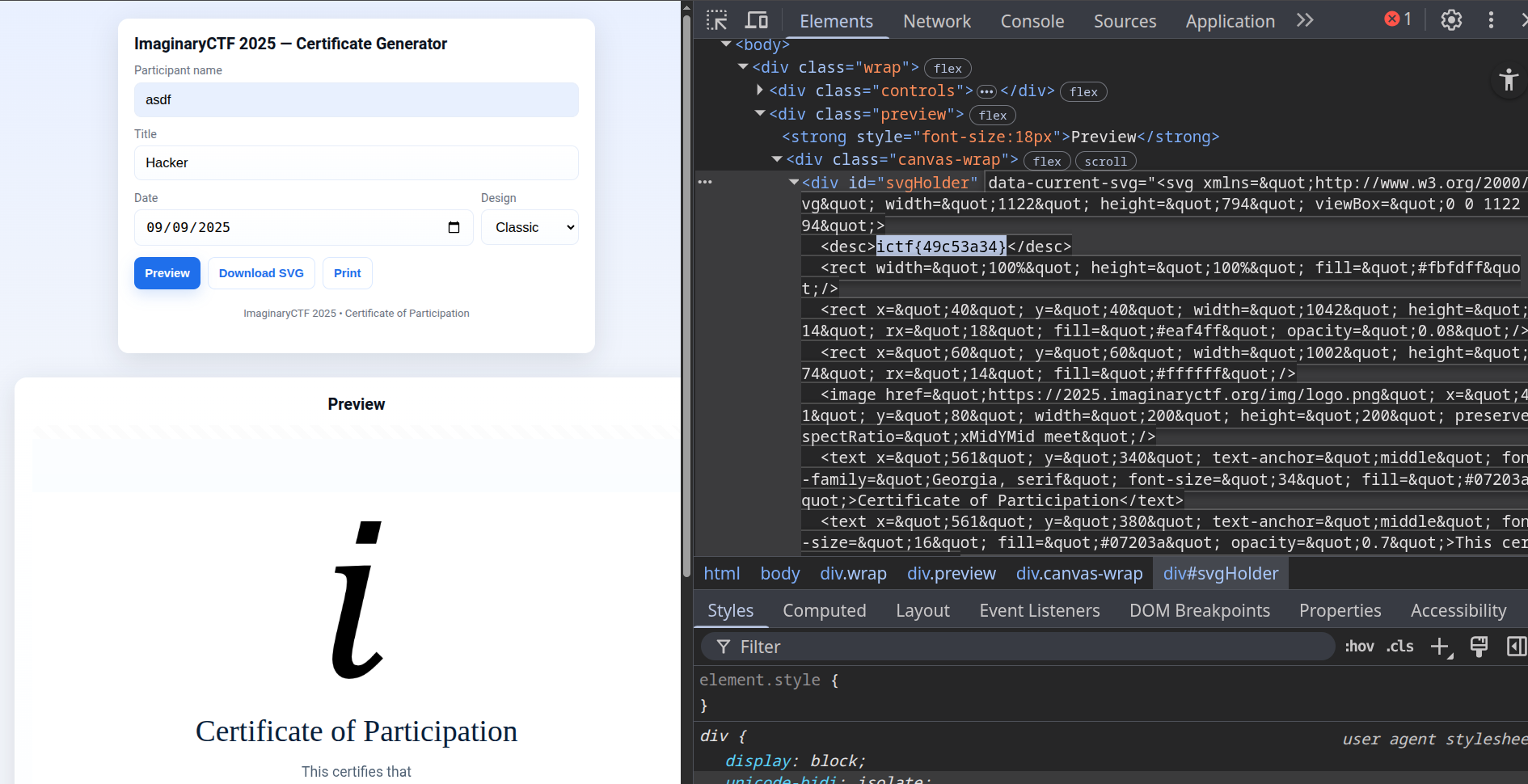
Judging from the challenge’s description, I assumed I had to get the flag that was generated from the name
Eth007, so I put
Eth007 and attempted to preview the page, only to realize that the name would be changed to REDACTED by the webpage.
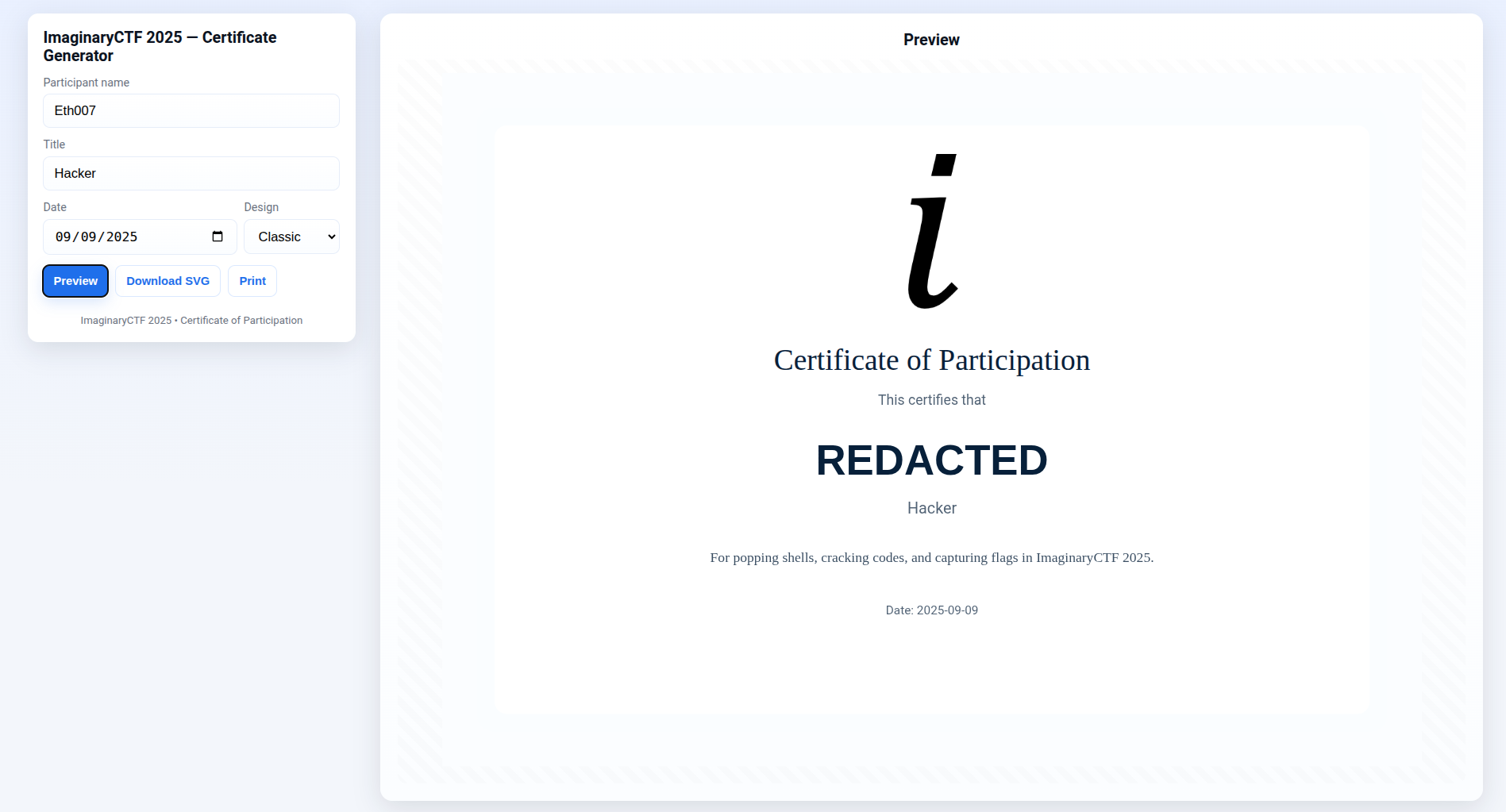
Seeing this, I started to read the javascript of the webpage to see how the name change was being done. I suspected that the name was being changed on the client-side by the javascript. Surely enough, my suspicions were confirmed upon seeing the following function:
function renderPreview() {
  var name = nameInput.value.trim();
  if (name == "Eth007") {
    name = "REDACTED"
  }
  const svg = buildCertificateSVG({
    participant: name || "Participant Name",
    affiliation: affInput.value.trim() || "Participant",
    date: dateInput.value,
    styleKey: styleSelect.value
  });
  svgHolder.innerHTML = svg;
  svgHolder.dataset.currentSvg = svg;
}
It seemed to be a single if condition that would change name to REDACTED if the user input
Eth007. To bypass the filtering, I went to devtools and set a conditional breakpoint that would change name variable to
Eth007 after the if condition.
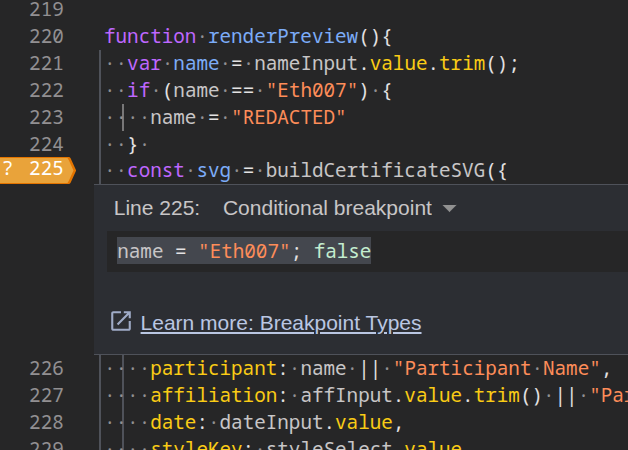
Doing so allowed me to bypass the name check and set the name to Eth007, getting me the flag.
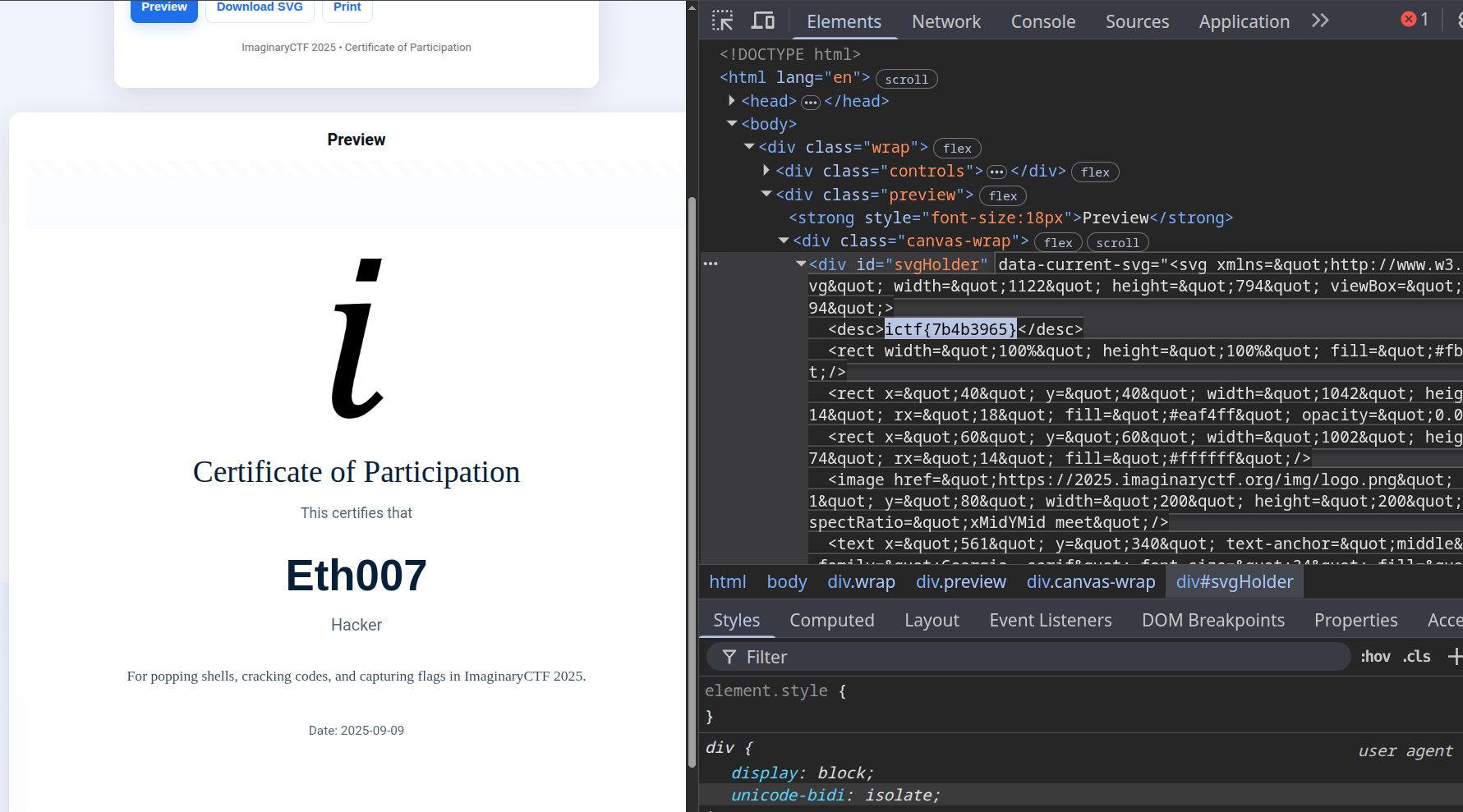
flag: ictf{7b4b3965}